Google Play
If your TV has the Play Store, install from there. It updates itself, which nothing below does.
 Pickle Download APK
 Android TV · Fire TV · free
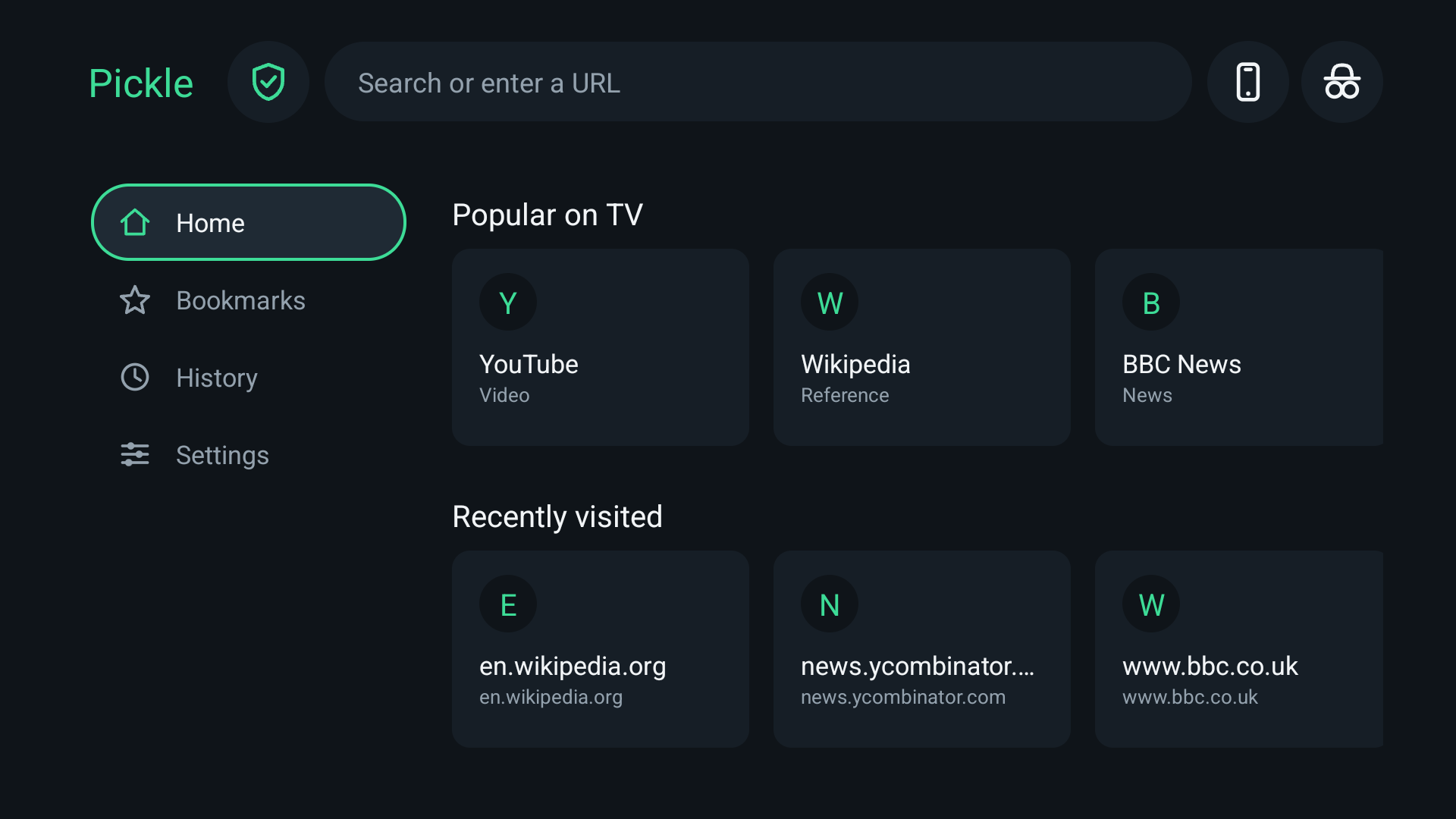
Most TV browsers are a desktop browser with a cursor bolted on. Pickle is built the other way round — for a D-pad, at ten feet, on hardware slower than the phone in your pocket.
One file, every TV. Pickle contains no native code, so this single APK runs on 64-bit and 32-bit ARM and on x86 alike — there is no “which one do I need”.
Typing a web address with a D-pad is miserable, which is the whole problem. Pick whichever of these is least painful.
If your TV has the Play Store, install from there. It updates itself, which nothing below does.
Install Downloader by AFTVnews from the Amazon Appstore, open it, and enter this code:
6962096
Or type aftv.news/6962096 into any browser. First you will need
Settings → My Fire TV → Developer Options → Install unknown apps,
switched on for Downloader.
In Downloader, or any browser on the TV, enter:
pickle-tv.vercel.app/apk
Deliberately short, because you are entering it one letter at a time with a remote. It always points at the newest version.
If the TV is in developer mode and on the same network:
adb connect TV_IP:5555
adb install pickle.apk
The TV’s IP is under Settings → Network.
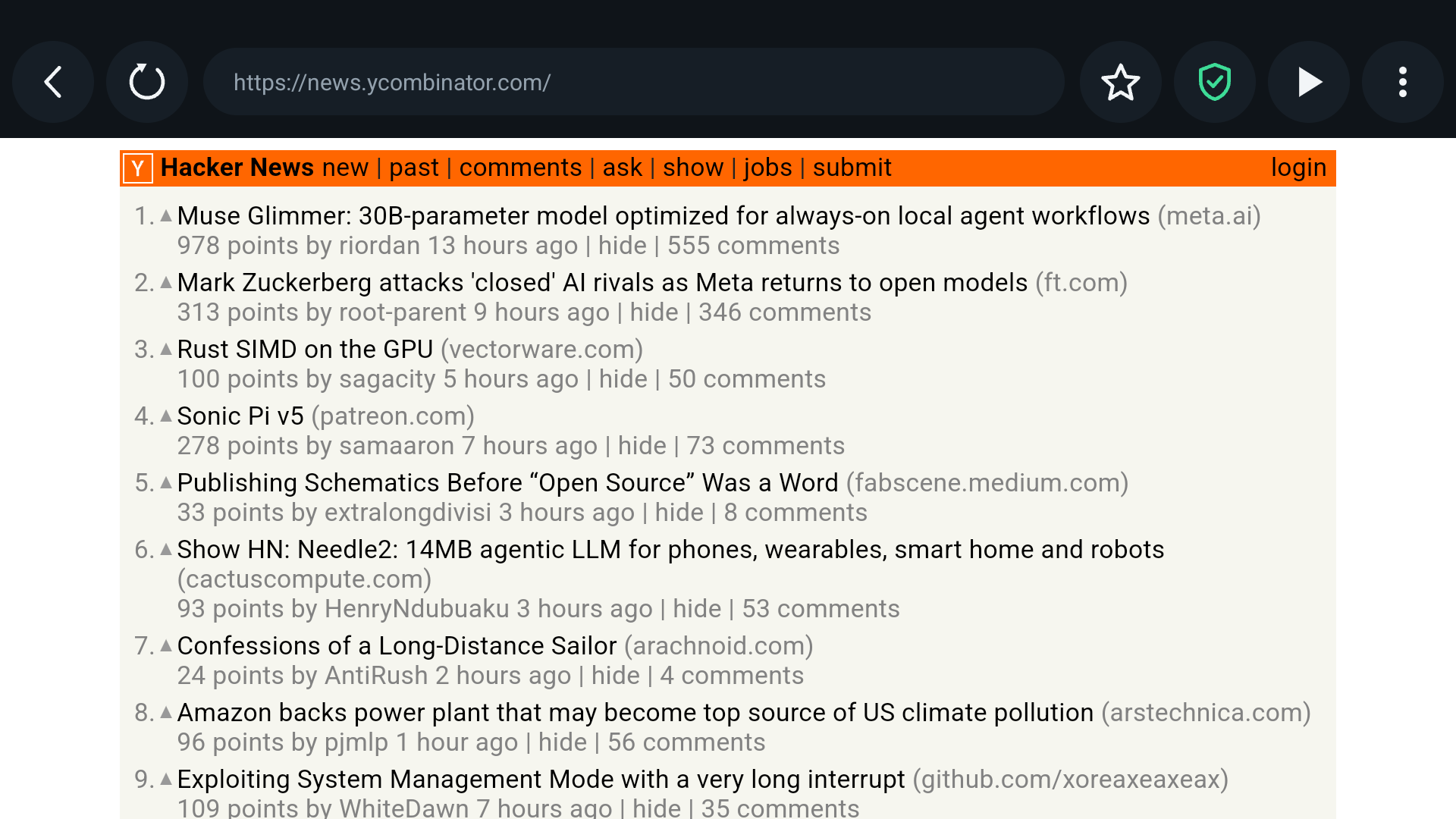
EasyList filters with cosmetic filtering, so blocked ads leave no holes behind. On TV hardware this is the single largest speed win available — it removes work rather than optimising it.
A minimum body text size, line length capped so paragraphs do not stretch across two metres of panel, and opened-up line spacing. Sites stop being something you squint at.
Most sites style only the mouse hover state and leave keyboard focus invisible. Pickle injects a strong focus outline into every page and converts hover-only menus to work on focus.
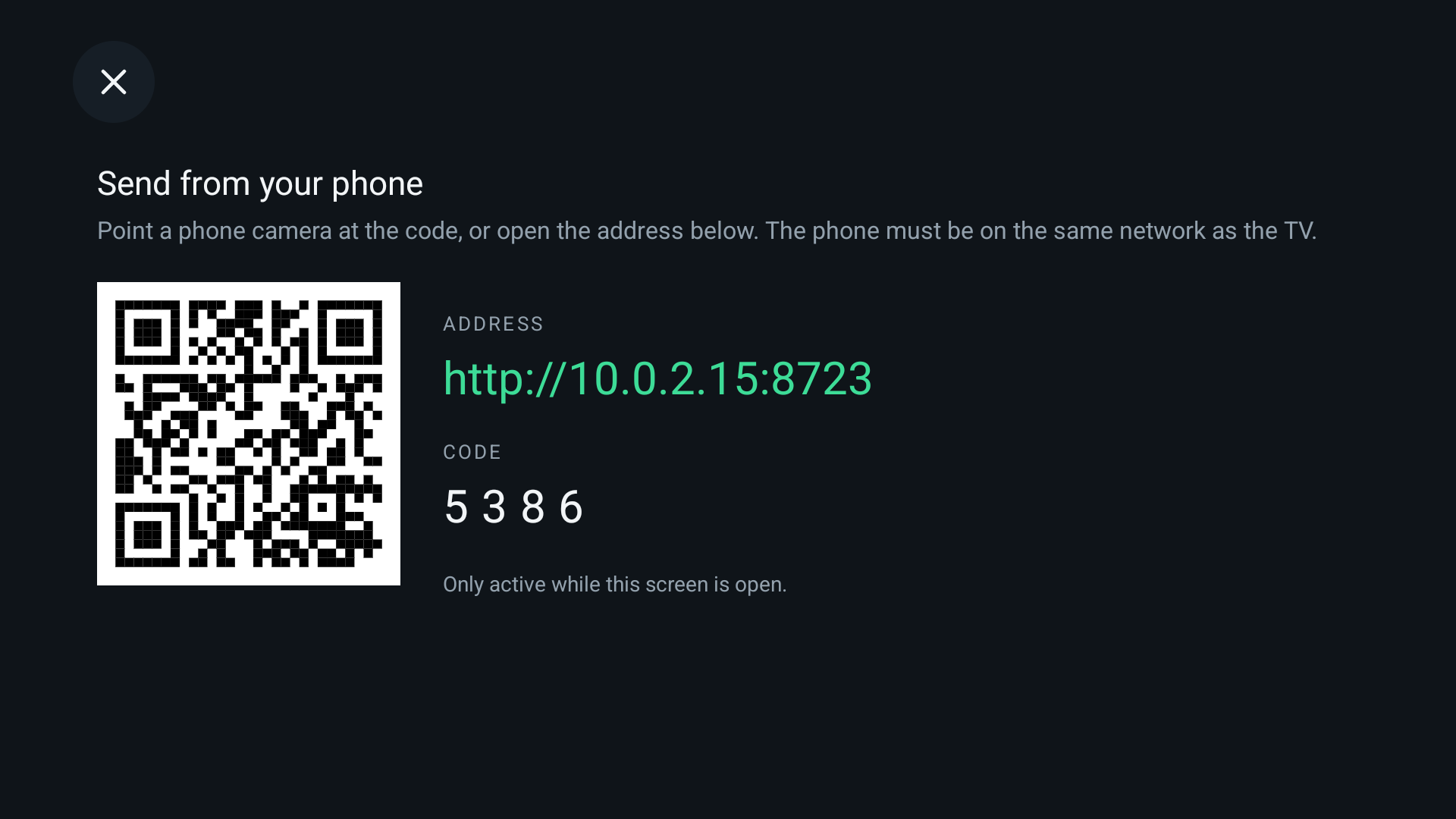
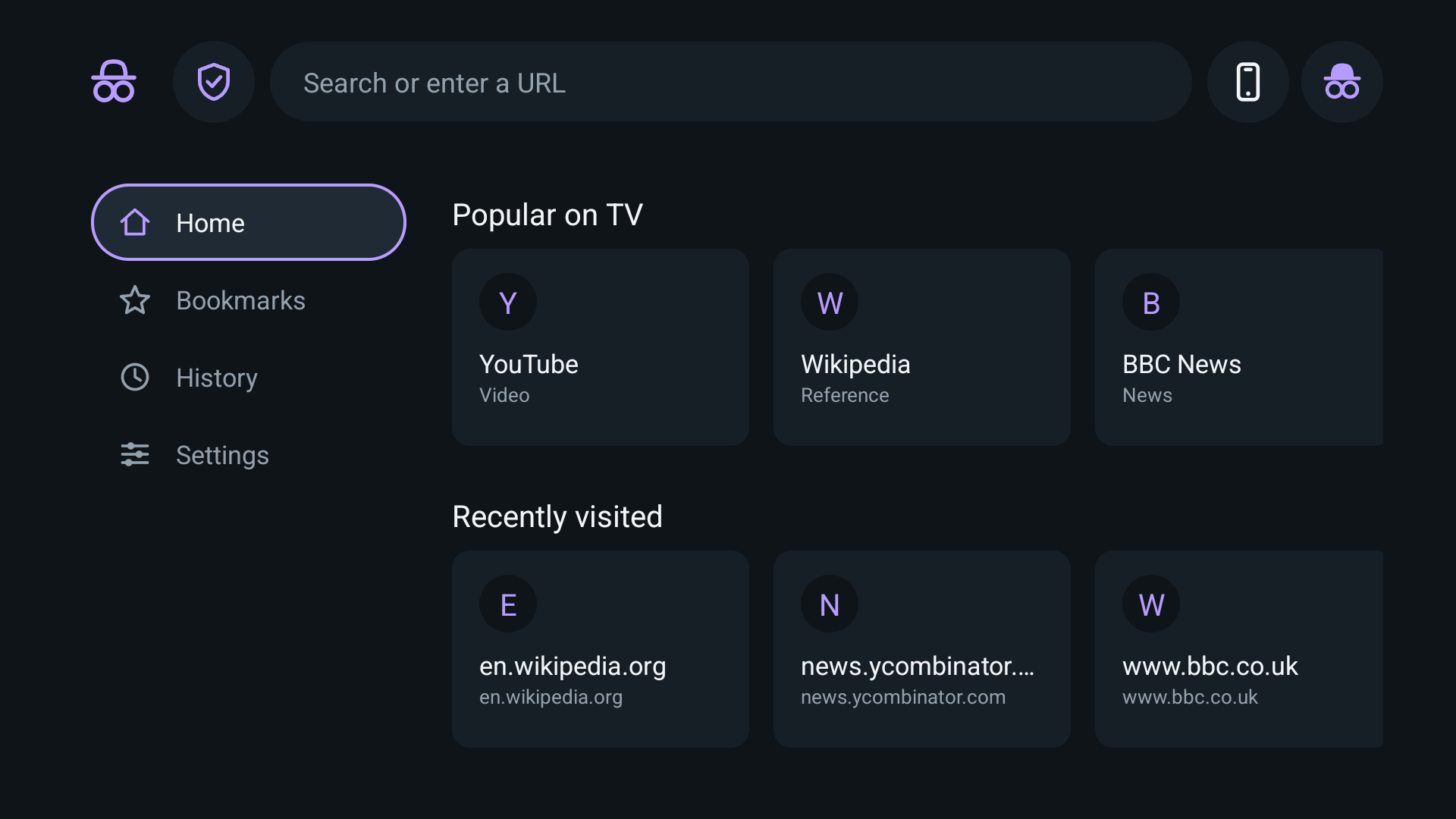
Scan a QR code with any phone — no app to install — then type or paste the address on a real keyboard and it opens on the TV. A pairing code keeps it to people in the room.
Pages never designed for a remote often have a play button the D-pad cannot reach. Pickle drives the page's own player directly and expands it.
No account, no sync, no analytics. History and bookmarks stay on the device. The phone link runs on your local network only, and only while that screen is open.